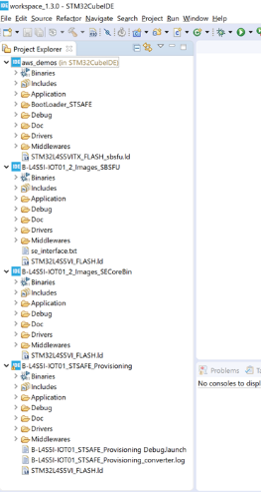
Lab 00-00: Building a Project using X-Cube-IDE
Importing the Project
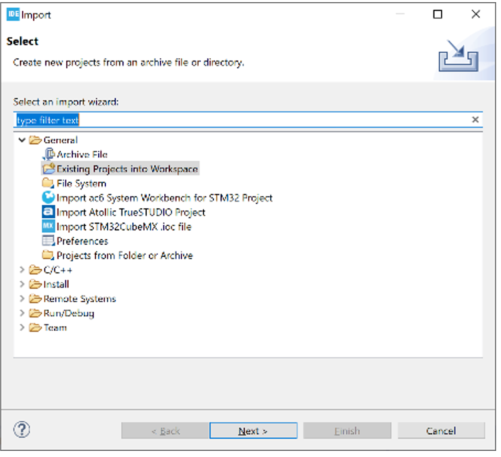
- Go to File then Import , select Existing Projects and click Next
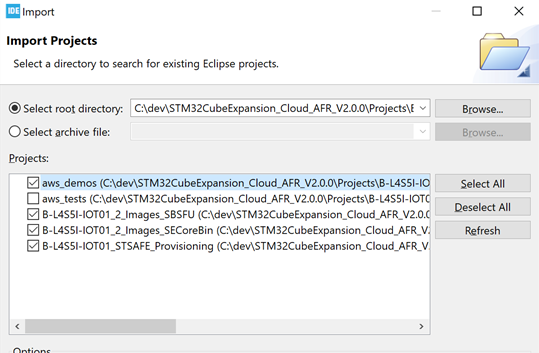
- Browse to you project location until the Applications folder and select it Make sure that all projects except aws_tests are checked and click Finish
- STM32CubeIDE will open and projects will be listed in the Explorer window
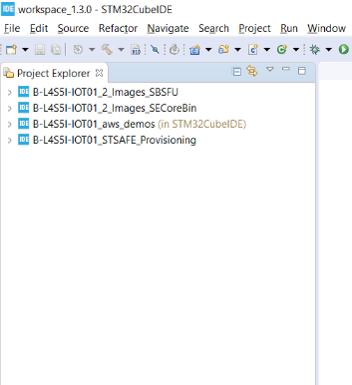
4.Click on each project to expand it